Web Design and Development Services in Canada for websites, ecommerce stores, and custom web applications
We do not treat a web project as a visual deliverable alone. From personal and corporate websites to ecommerce, enterprise portals, PWAs, and advanced web applications, architecture, technology, user experience, SEO, analytics, and long-term maintenance must be planned together. This page explains the types of projects we build, when WordPress or Next.js is the stronger choice, and what separates a conventional website from a true web application.
What this page covers
Select a topic to jump directly to that section.
A successful website starts with the business problem—not with a template
Before discussing colours, the homepage, or a technology stack, we need to define what the website must accomplish for the business. The primary goal may be to present services and generate qualified inquiries, or it may involve ecommerce, booking, customer account management, reporting, order processing, and integrations with internal systems. These differences fundamentally shape the design and development strategy.
In a professional project, visual design is only one layer. Information architecture, content quality, conversion paths, performance, security, manageability, SEO, and future scalability must be considered together. A website that looks impressive today but cannot evolve with the business quickly becomes a constraint.
From business requirements to technical architecture
For every project, we first define the users, goals, required capabilities, content, constraints, and success criteria. We then determine which areas are public, which require authentication, what data must be stored, and which external services the platform needs to connect with.
This approach ensures that technology is selected after the problem is understood. WordPress may provide the best balance of cost, speed, and content management for one project, while Next.js, a headless CMS, or a custom back end may be the more responsible choice for another.
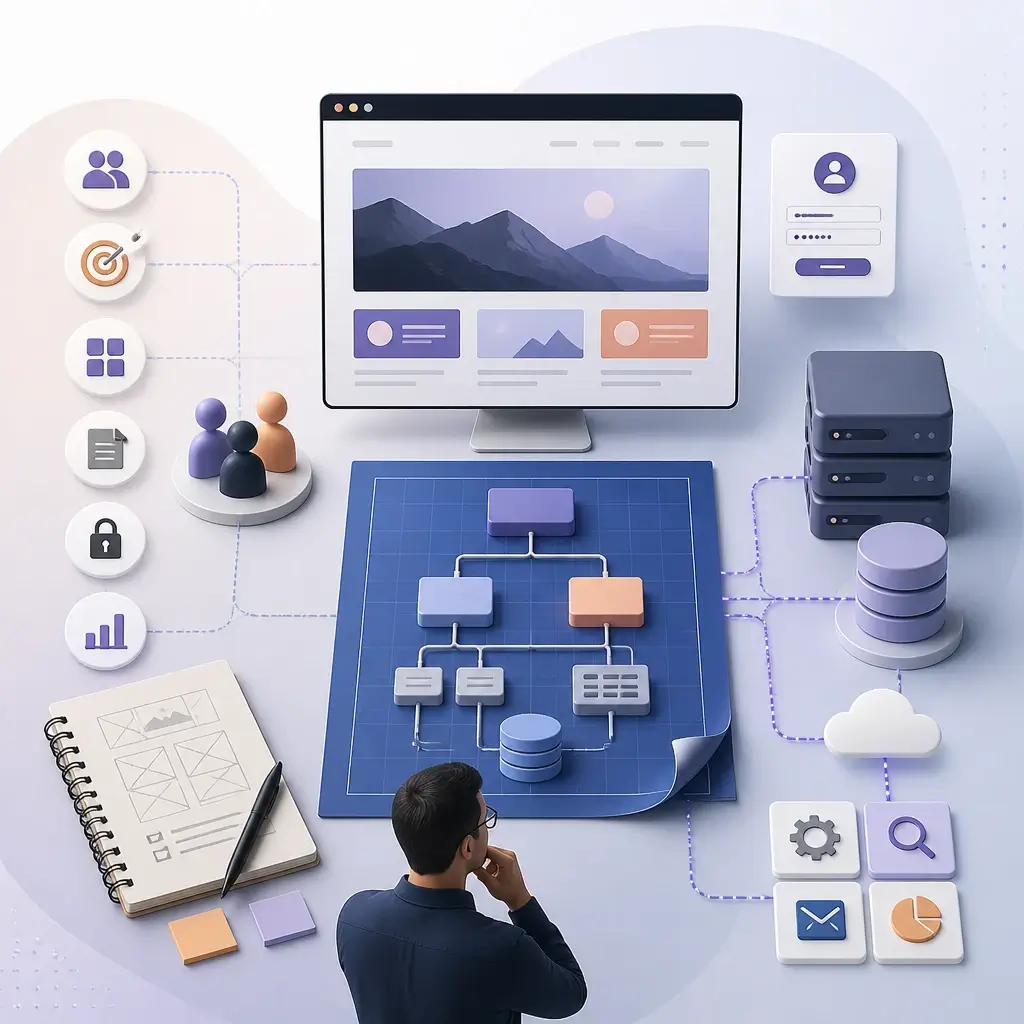
The solution should fit the project size, your team’s capabilities, budget, delivery timeline, and growth plan. More complexity does not automatically mean a better result.
Our services can scale from a focused website to a complete digital product
Some projects need a small set of service pages, case studies, a blog, and a contact form. Others require ecommerce, subscriptions, bookings, customer portals, role-based access, reporting, or integrations with a CRM and accounting platform. The scope is defined around real operational needs and can be delivered in phases.
- Discovery, requirements analysis, information architecture, and project scope
- UX and UI design for mobile, tablet, and desktop
- Front-end and back-end development, CMS, APIs, and admin tools
- Content and data migration, URL redirects, and SEO preservation
- GA4, Search Console, and conversion tracking setup
- Testing, launch, training, support, and phased feature development
WordPress, Next.js, or a hybrid architecture—which one fits your project?
Technology should not be selected because it is fashionable or because it is a developer’s personal preference. Content requirements, update frequency, admin needs, expected performance, feature complexity, user volume, integrations, and long-term maintenance costs all influence the right decision.
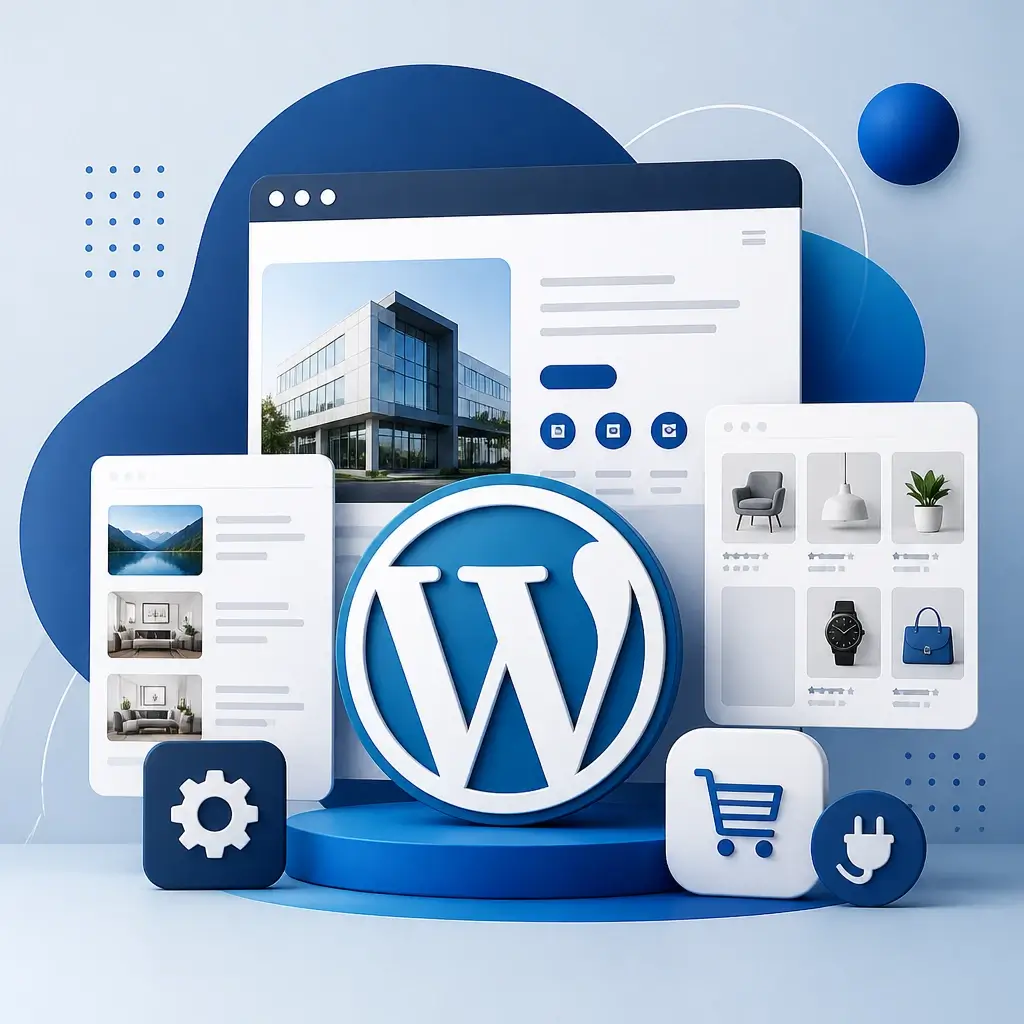
WordPress for content management, corporate websites, and many ecommerce projects
WordPress is often the right choice when your team needs to manage pages, articles, projects, or products without depending on a developer for every update. For corporate, professional-services, editorial, multilingual, and many ecommerce websites, it can keep delivery time and ongoing ownership costs under control.
A professional WordPress implementation is very different from purchasing a generic theme and installing dozens of plugins. The design can be fully custom, purpose-built themes or plugins can be developed, and WooCommerce can connect with payments, shipping, Canadian tax rules, CRM platforms, and other business systems.
When do we commonly recommend WordPress?
- Corporate, professional-services, personal, and portfolio websites
- Blogs, publications, and content-rich websites
- WooCommerce stores with standard or moderately customized workflows
- Projects where easy content management by an internal team matters
Next.js for custom interfaces, high performance, and modern application architecture
Next.js becomes especially valuable when the project requires a highly customized user experience, strong performance, flexible rendering, extensive API connectivity, or a full web application. In a headless architecture, WordPress or another CMS can manage content while the public front end is built independently with Next.js.
This separation provides greater control, but it also requires more specialized development and maintenance. Next.js should therefore be chosen for a clear technical or business reason—not simply because it is newer.
Common Next.js use cases
- High-performance websites with custom design and interactions
- Customer portals, dashboards, and authenticated systems
- Headless ecommerce or projects connected to multiple data sources
- Platforms combining a public marketing site with an operational application
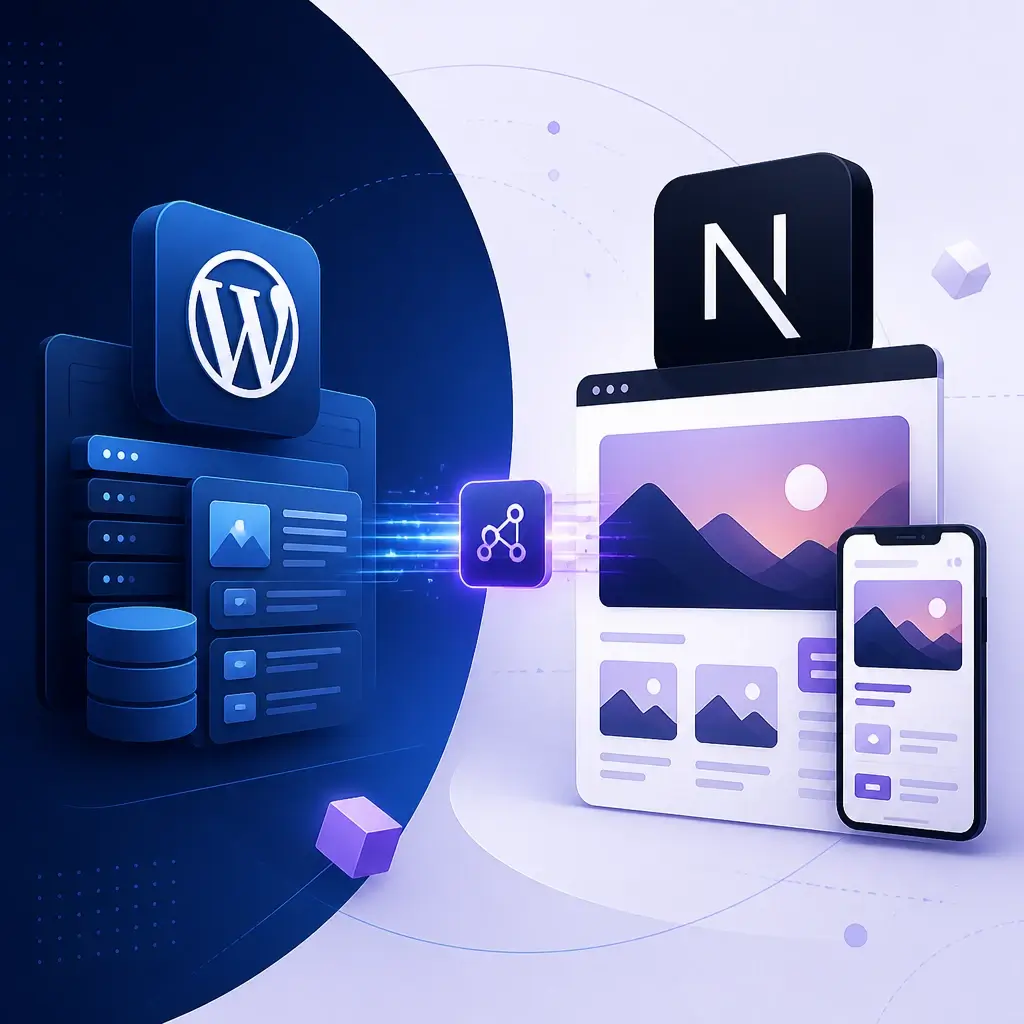
When does a hybrid or headless architecture make sense?
Sometimes the strongest solution is to use the right tool for each part of the system. For example, a content team may manage articles and pages in WordPress, while the public front end runs on Next.js and the authenticated area connects to a custom API. This architecture can provide significant flexibility, but its infrastructure, deployment, and maintenance costs must also be justified.
| Criteria | WordPress | Next.js / Custom Development |
|---|---|---|
| Content management | Established admin interface suited to content teams | Requires a separate CMS or custom admin interface |
| Time to launch | Usually faster for conventional website projects | Often requires more time depending on architecture and functionality |
| Customization | Highly customizable within the selected architecture and plugin strategy | Very high control over the interface and application logic |
| Ecommerce | WooCommerce is well suited to many business models | Better suited to fully custom checkout or commerce workflows |
| Maintenance | Core, theme, and plugin updates | Requires code maintenance, deployment processes, and DevOps |
| Best fit | Corporate websites, content, services, and ecommerce | Web applications, headless platforms, dashboards, and digital products |
The difference between a website and a web application goes far beyond appearance
A website is usually designed to present a business, publish content, attract customers, support bookings, or sell products. Users read, search, submit forms, or complete purchases. A web application, by contrast, performs part of a business process or an ongoing user task and typically works with data, accounts, permissions, and custom logic.
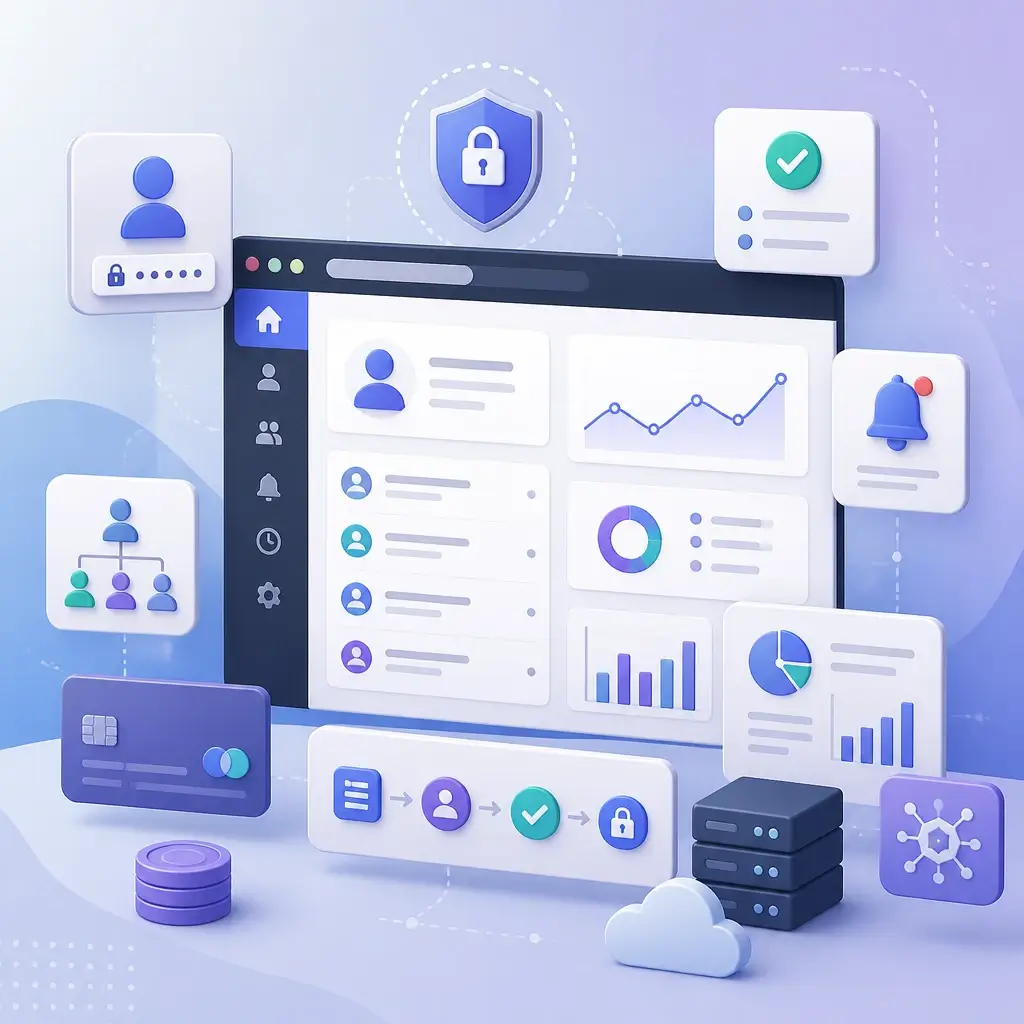
How can you tell that your project is a web application?
If users sign in, enter personal or operational information, have different roles, track orders or projects, or rely on the system to process data and trigger actions, the project is functioning as a web application.
- Registration, sign-in, authentication, and account recovery
- Dashboards, profiles, notifications, and activity history
- Different roles and permissions for users, administrators, or organizations
- Payments, subscriptions, bookings, workflows, or multi-step approvals
- Reporting, data processing, and integrations with external APIs
Many projects combine a public website with a web application
An education platform, for example, may use public pages for SEO and course discovery, then provide student accounts, payments, video lessons, assessments, and progress reporting after sign-in. The public website and application can be delivered within one system or through separate architectures.
For these projects, database design, security, permissions, service reliability, and the everyday user experience matter just as much as the public-facing pages. A web application therefore cannot be estimated by page count alone; its features and user scenarios must be examined in detail.
What is a PWA, and when can it create business value?
A Progressive Web App is not a separate category of website. It is a set of web standards and capabilities that can make a browser-based experience feel more like an installed application. On supported devices, users may add it to their home screen and, in suitable scenarios, benefit from caching, limited offline behaviour, or notifications.
A PWA is not necessary for every project
Adding a service worker and installable experience makes sense when users return frequently, faster repeat visits matter, or part of the product must continue working under weak connectivity. For a straightforward informational website, this added complexity may not create meaningful commercial value.
Projects that may benefit from a PWA
- Booking or ordering systems used regularly by returning customers
- Customer portals and browser-based operational tools
- Ecommerce experiences with a high rate of returning users
- Products where speed and access under weak connectivity are important
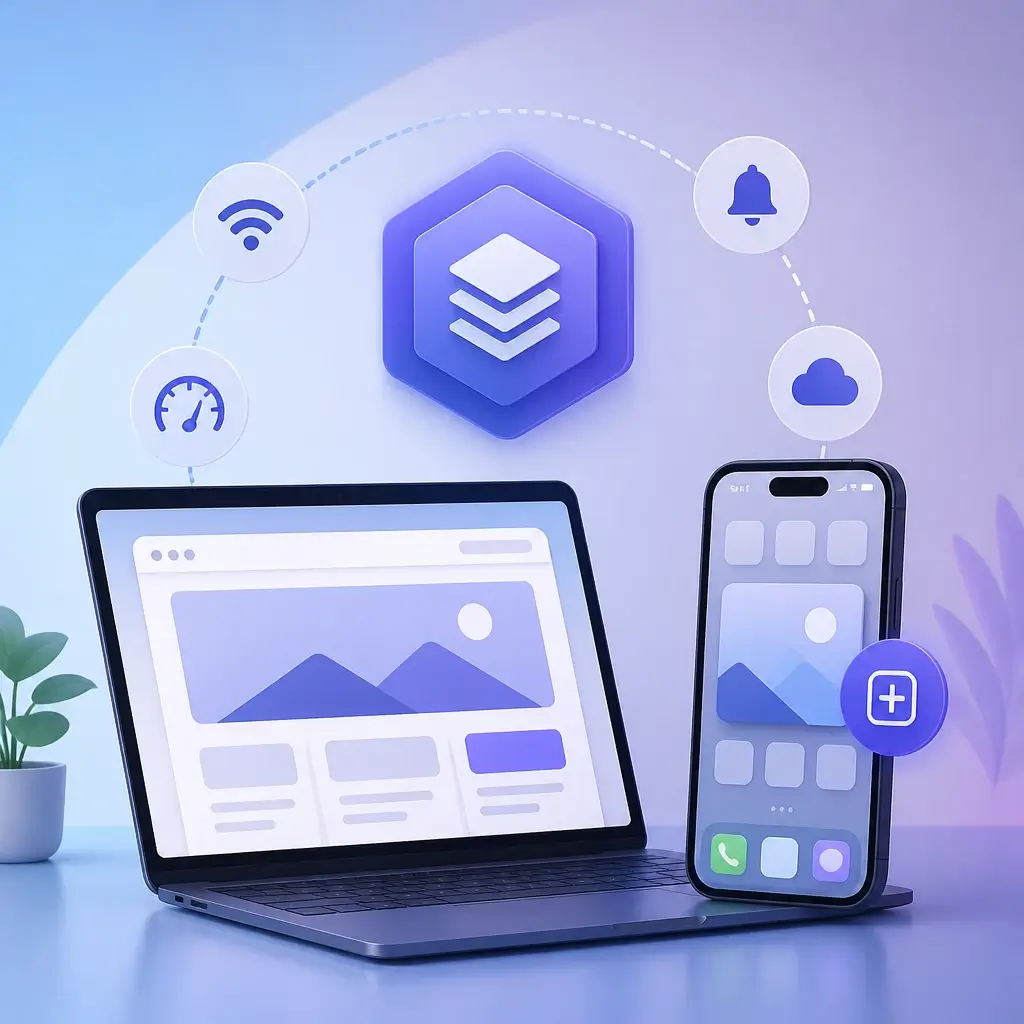
Device access, app-store policies, notification support across operating systems, and product requirements must all be reviewed. A PWA may be enough in some cases, while a native app or hybrid solution may be more appropriate in others.
Four core web service paths without limiting the project’s potential
To help clients identify the closest fit, we describe our web services in four primary categories. These categories do not restrict functionality; a project may combine several of them and include purpose-built features.
Personal, professional, and portfolio websites
This type of website is designed for consultants, designers, artists, physicians, executives, and other professionals whose credibility depends on how their experience and work are presented. The goal is not simply to display images. The website should communicate the problems you solve, your background and process, and the clearest path to starting a conversation.
Common capabilities
- Professional profile, résumé, and areas of expertise
- Project gallery and case studies explaining process and results
- Blog, articles, interviews, or media coverage
- Contact forms, consultation booking, or collaboration requests
- Multilingual content and a structure optimized for name-based searches

Corporate, professional-services, and B2B websites
A corporate website should establish the company’s position, explain services in clear language, and shorten the path from visit to qualified lead. B2B buying decisions are rarely immediate, so service pages, industry pages, case studies, team profiles, process information, and educational content all play an important role in building confidence.
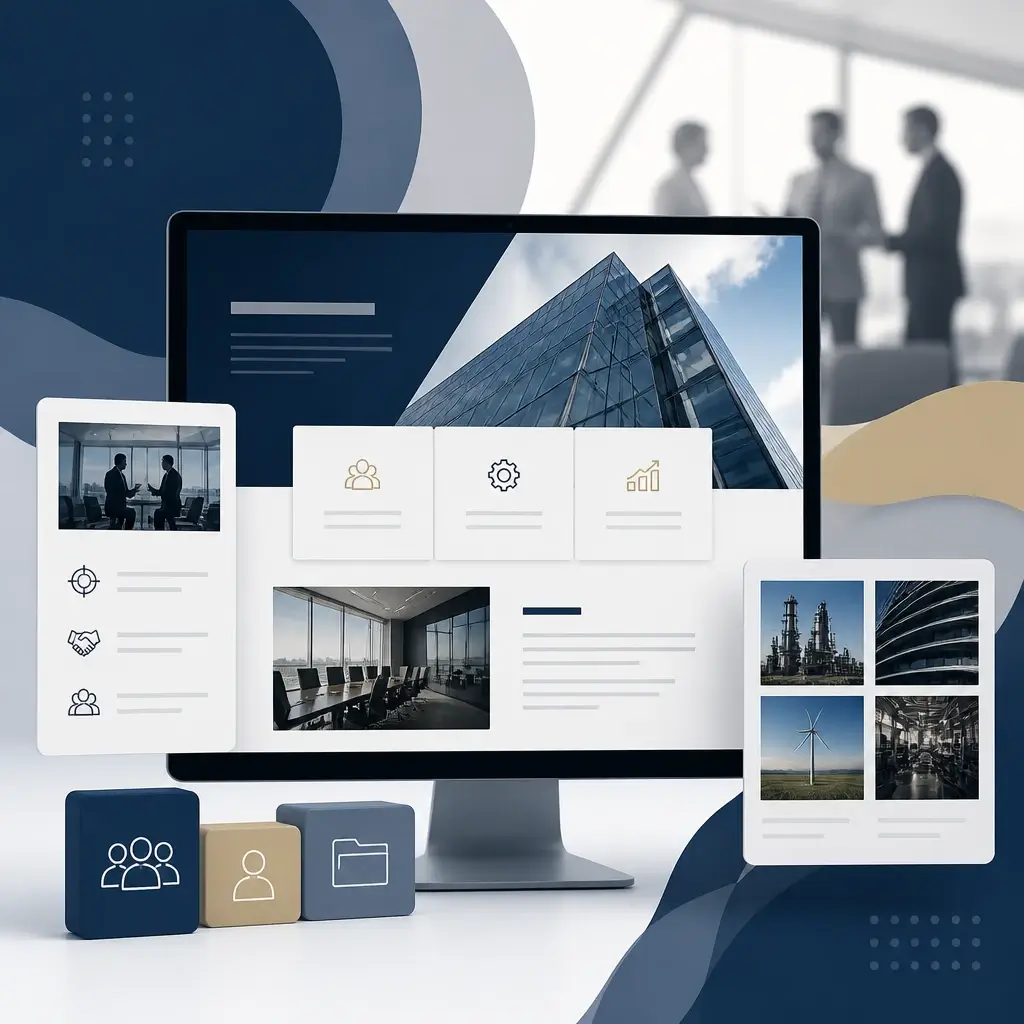
Common capabilities
- Service, industry, and target-market pages
- Landing pages for SEO and Google Ads
- Multi-step forms and CRM integrations
- Portfolio, case studies, team profiles, and credentials
- Multilingual English, French, or Persian architecture
- Scalable blog and resource centre
Ecommerce websites and online stores
An ecommerce project is more than product pages and a payment gateway. Product organization, search, filtering, inventory, Canadian taxes, shipping, discounts, returns, transactional emails, and reporting must all support the sales model. WooCommerce is a strong fit for many businesses, while more complex projects may require headless commerce or custom development.
Common capabilities
- Simple, variable, digital, subscription, or bookable products
- Online payments, taxes, shipping, and discount rules
- Order, inventory, and customer-account management
- Warehouse, accounting, CRM, or fulfilment integrations
- Purchase tracking, funnel analysis, and customer-behaviour insights
- SEO for product categories and product pages

Enterprise platforms, portals, and advanced web applications
This category covers projects that digitize part of a business operation: customer portals, partner dashboards, booking systems, marketplaces, management dashboards, subscription platforms, or internal tools. Database architecture, permissions, security, APIs, testing, and monitoring are especially important in these systems.

Common capabilities
- Authentication, profiles, and user roles
- Dashboards, reporting, data search, and filtering
- Workflows, approvals, notifications, and activity history
- Payments, subscriptions, bookings, and invoicing
- APIs and integrations with internal or external services
- Admin panels and operational tools for internal teams
The systems behind the interface are what determine the project’s real quality
Two websites may appear similar at first glance, yet differ significantly in performance, content structure, code quality, security, and maintainability. These requirements should be included in the project scope from the beginning; adding them at the end is usually more expensive and less effective.
UX & Information Architecture
Navigation, content priorities, user journeys, forms, and calls to action are designed around the project’s business goals.
Responsive Design & Accessibility
Pages are reviewed across mobile, tablet, and desktop with attention to readability, contrast, keyboard navigation, and practical usability.
Performance & Core Web Vitals
Images, fonts, JavaScript, caching, CDN configuration, and infrastructure are optimized for fast loading and responsive interaction.
SEO-ready Architecture
URLs, headings, internal links, canonicals, sitemaps, schema, and crawlability are considered within the project architecture.
Security & Data Protection
Permissions, user input, forms, updates, backups, and attack-surface reduction are managed according to the project’s risk profile.
Analytics & Conversion Measurement
GA4, Tag Manager, Search Console, and key conversion events are configured to measure meaningful outcomes.
Multilingual Architecture
English, French, and Persian experiences can be implemented with language-specific URLs, correct writing direction, and appropriate SEO signals.
Maintainability & Documentation
Code, plugins, configuration, and deployment are managed so future development and support remain controlled and practical.
SEO cannot be separated from website design
If page structure, URLs, speed, or internal linking are poorly planned, the SEO team must later spend significant time correcting foundational issues. We therefore consider SEO and paid-search requirements during information architecture. This does not guarantee rankings; it ensures the website does not become an obstacle to organic growth or advertising performance.
Before redesigning an existing website, current URLs, traffic-generating pages, backlinks, and valuable content should be identified. A migration without a redirect plan can erase part of the site’s accumulated organic authority.
How does a project move from discovery to a usable launch?
The exact process changes with project size, but major decisions and deliverables should remain visible and reviewable. This reduces rework, uncontrolled scope growth, and mismatched expectations at the end of the engagement.
Discovery and Scope Definition
Business goals, users, competitors, functionality, content, constraints, timeline, and success criteria are reviewed.
Information Architecture and Technology Selection
Page structure, data, CMS requirements, WordPress, Next.js, APIs, and infrastructure are selected according to the project.
Wireframes, UX, and Interface Design
Core journeys, content priorities, components, and visual direction are finalized before full development.
Front-end and Back-end Development
Pages, dashboards, databases, payments, forms, and service integrations are implemented in planned stages.
Testing, Content, and Migration
Browsers, mobile devices, forms, payments, baseline security, performance, redirects, and data are reviewed.
Launch and Training
The website is deployed, analytics tools are verified, and training is provided for the areas your team will manage.
Support and Continued Development
Issues, improvements, and future features are prioritized using analytics and real user feedback.
Launching the website is not the end of technical responsibility
Every web product must adapt after launch as browsers, operating systems, plugins, APIs, security requirements, and user behaviour change. A maintenance plan helps identify issues early and prevents a stable platform from gradually becoming unreliable.
Support can be tailored to the type of project
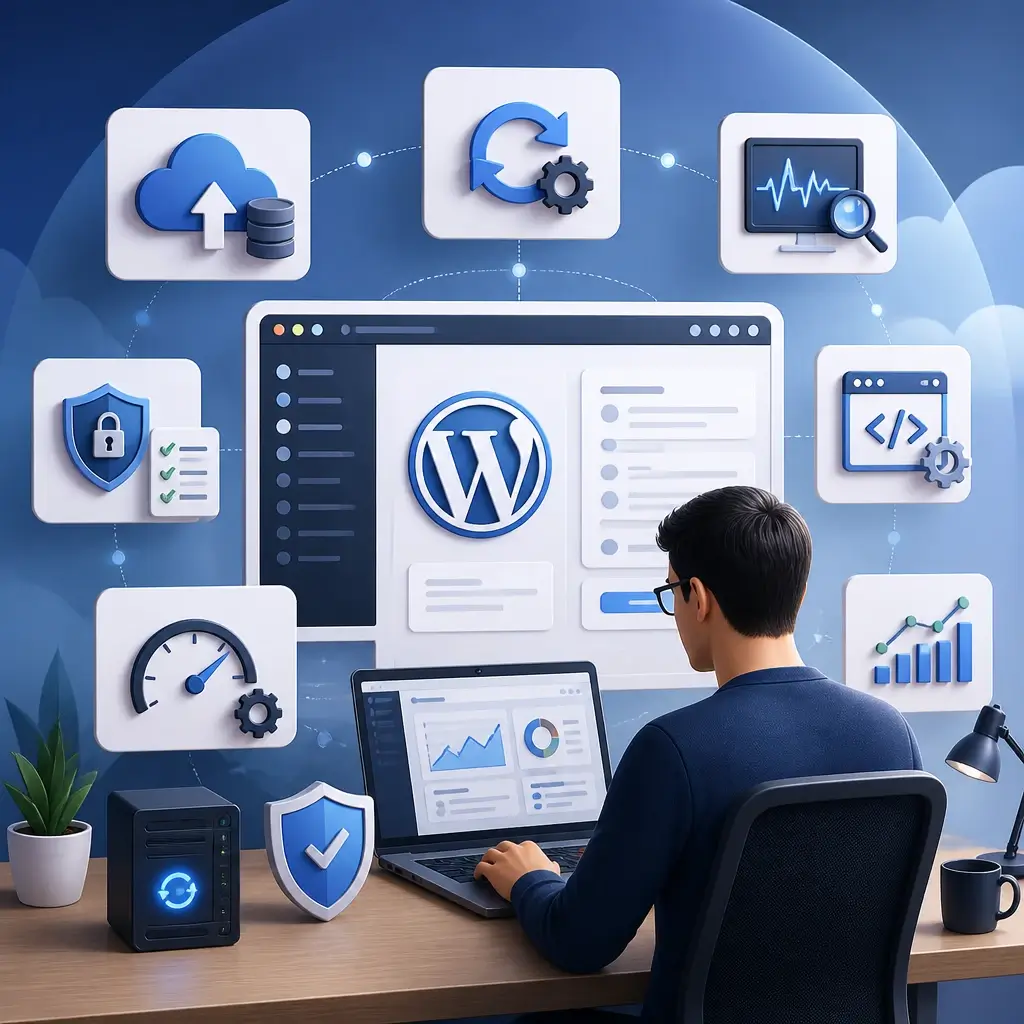
A corporate WordPress website typically needs updates, backups, security reviews, and content changes. A web application may also require ongoing monitoring, regular deployment, database management, logging, testing, and new feature development.
- Backups and a recovery plan for incidents
- WordPress, plugin, and dependency updates
- Error, uptime, and performance monitoring
- Bug fixes, small changes, or phased development
- Performance, technical SEO, and UX improvements
- GA4 review and conversion-improvement opportunities
Ownership, access, and knowledge transfer
At the end of the project, ownership of the domain, hosting, third-party services, analytics accounts, and code repository should be clear. For organizations with internal teams, documentation and training help support day-to-day management without unnecessary dependency.
Questions clients commonly ask before a project begins
Is WordPress or Next.js the better choice for my project?
Does using WordPress mean settling for a weak website or a pre-built template?
What is the difference between a website and a web application?
Can one project include both a website and a web application?
What is a PWA, and does every project need one?
Do you build ecommerce websites with WooCommerce?
Can you redesign or migrate an existing website?
Do you build multilingual English, French, and Persian websites?
How is SEO considered during website design and development?
Can you also set up GA4 and conversion tracking?
What support is available after the website launches?
How are the timeline and cost of a website or web application determined?
Let’s define the real objective and scope before choosing the solution
Tell us about your users, content, required functionality, timeline, budget, and growth plans. We will help determine whether WordPress, Next.js, a web application, PWA, or a hybrid architecture is the most responsible fit.